LAN & fibre refresh · Leeds Bradford Airport
Modernising the network beneath airport operations.
I delivered a switching and fibre refresh in a live airport, combining device-level migration planning, hands-on cutovers and PowerShell network automation.
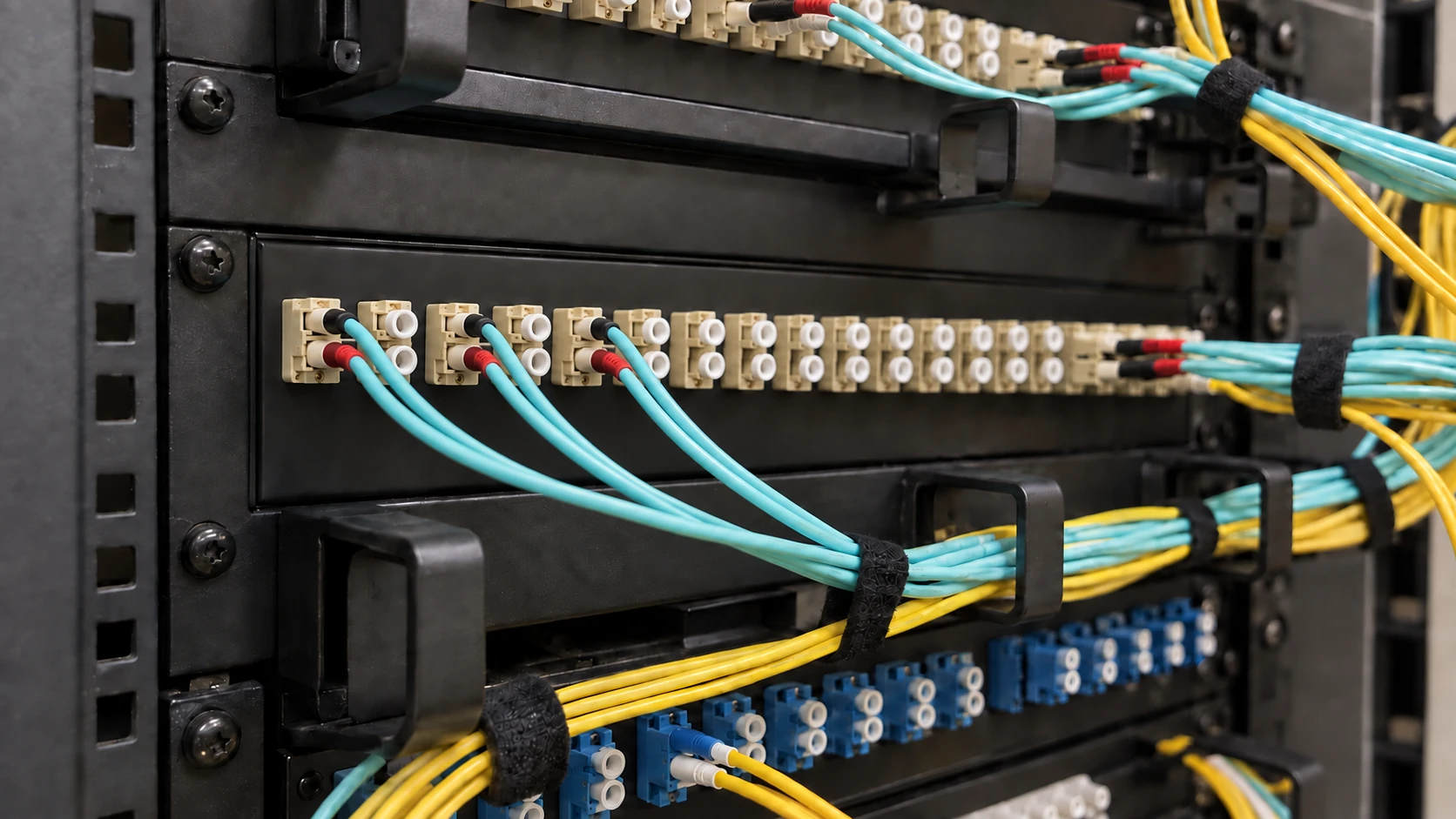
Renew the switching and fibre together
The refresh brought equipment renewal, legacy fibre replacement and central switch management into one programme. I worked with specialist suppliers and cabling contractors to coordinate the fibre work with the switch replacement schedule.
I helped define the scope and prepare the investment case, bringing together costs, phasing and planned interruptions.
Map devices before planning each cutover
I identified the devices on every VLAN and mapped them to their services, including passenger information. This established the operational dependencies that each switch replacement had to account for.
I communicated proposed changes to affected departments, agreed service checks and scheduled interruptions around operational needs. Where a service could not be interrupted during normal operation, I arranged an out-of-hours change window.
Onboard, cut over and validate
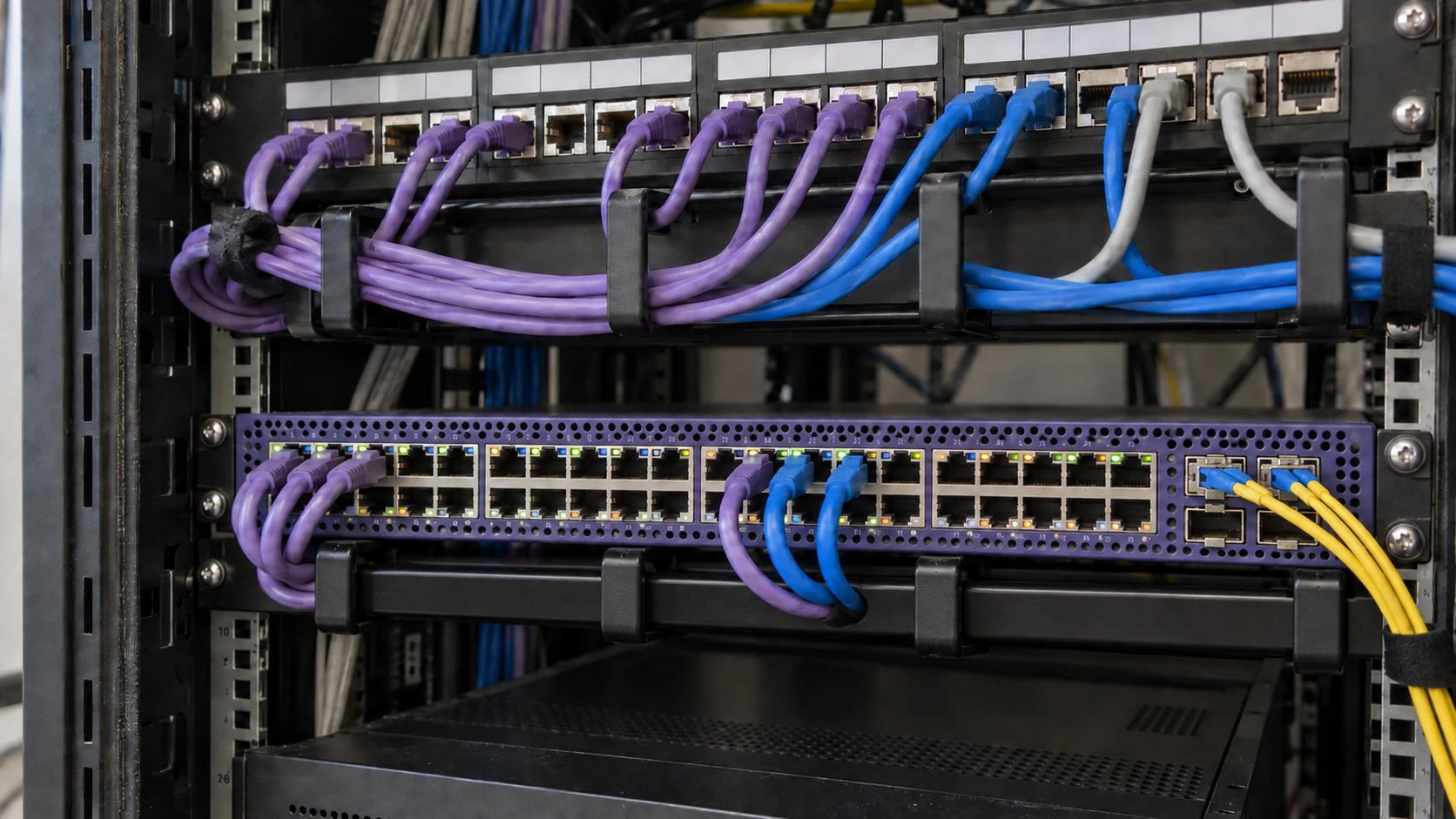
Specialist suppliers configured the central management and network-service platform. I onboarded replacement switches, checked service connectivity and VLAN mappings, and put the equipment in place before transferring connections.
After bringing devices back online, I coordinated application and operational checks with the relevant teams before decommissioning legacy equipment. Checking the services using each connection was part of completing the cutover.
Network automation for switch deployment
I authored a PowerShell network automation tool that generates switch configuration from technician inputs and the selected equipment type. It brings build preparation and deployment into a repeatable workflow, with guided steps or an automated serial-console session.
Explore the build workflowInputs → Configuration → Deployment → Checks
Try the guided and automated deployment modes using fictional values.
Start with a consistent set of inputs.
The script collects the switch profile and build details before generating configuration. Choose an example to follow through the workflow.
The tool supports guided paste-and-confirm steps and automated deployment over a serial console.
Turn those inputs into repeatable stages.
Configuration blocks are assembled for the chosen profile. The same build inputs carry through each stage.
- Example switch
- LAB-SW-01
- Profile
- 24-port access switch
- Deployment
- Guided steps
- Output
- Staged configuration blocks
Work through the change with the engineer.
Guided mode explains each stage, copies its command block to the clipboard and waits for the engineer to apply it and confirm. Automated mode sends the stages through a serial console session, with progress, prompt handling and timeouts.
Automated mode provides session logging and optional configuration capture for review.
Finish with evidence and service checks.
Guided mode includes verification commands and a completion checklist. In either mode, the engineer reviews the configuration and tests connected services before accepting the change.
Generating and applying configuration does not prove that every connected service is working. That final judgement stays with the engineer.
Step 1 of 4
Make the refreshed estate easier to support
I created a network management record covering switching, fibre, uplinks and service mappings. Together with central switch management, it gave colleagues a way to trace connections, investigate faults and prepare later changes.
The result
A renewed network, ready for operations.
The programme renewed switches and fibre through planned cutovers, brought replacement equipment into central management and decommissioned the legacy switches after service checks.
The deployment tool makes the build steps explicit, while the network record carries connection and service knowledge into ongoing support.